
-

-

- iPad Air 2 Price in USA: ATT, Verizon, T-Mobile, Sprint.
- iPad Air 2 Release Date +12-inch iPad.
- Apple Event 2014 16-th October. What's new?
- IPad Air 2, iOS 8, Touch ID.
- Bose SoundLink Mini Review - Excellent Bluetooth speaker.
- Why do people buy iPhone 6, but not Samsung Galaxy S5.
- How to care of your health with the help of iPhone 6
- iPhone 6 Experience - Battery Life!
- iPhone 6 Cases For Girls + Cute + Women!
- Why Everyone Wanted to Buy Mac, not Windows 10?
How do I turn iTunes Match on? ITUNES MATCH FAQ
Advertisements
Posted date:
December 20, 2011 |
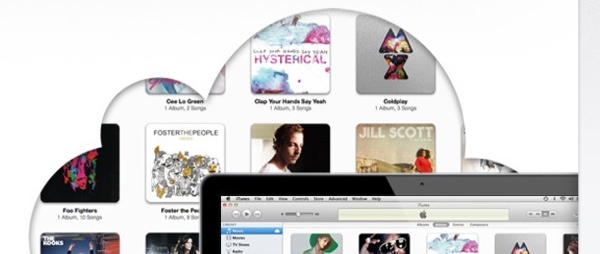
With iTunes Match, all your music — even songs you’ve imported from CDs — can be stored in iCloud. So you can access your music from all your devices and listen to your entire library, wherever you are.
How do I turn iTunes Match on?
On a Mac or PC, open iTunes and choose Store >Turn On iTunes Match. Then turn on your iOS devices, tap Settings > Music > Turn On iTunes Match. To turn on iTunes Match on Apple TV, go to Music > iCloud Library.
We Recommend:
Related Posts:
iTunes, iTunes Match, iTunes match FAQ