Subscribe to GDeluxe
- iCloud Login - How To iCloud Sign In Now.
- ICLOUD LOGIN - WELCOME TO ICLOUD LOGIN PAGE
- iCloud Login from iPhone + iPad.
- iCloud Sign In, How To Sign in Cloud Storage
- iCloud Login is better than Dropbox Cloud Storage.
- OneDrive Cloud Storage, How to get 100GB storage.
- CLOUD STORAGE + ONLINE STORAGE
- Cloud Storage is safe for iPhone and iPad.
- Manage Apple ID, How To
- How To Create Apple ID On iPhone Without Credit Card (Updated)

SIRI CYDIA : AssistantExtensions - FEATURES, GUIDES, TUTORIALS, LINKS
Posted date:
January 30, 2012 |

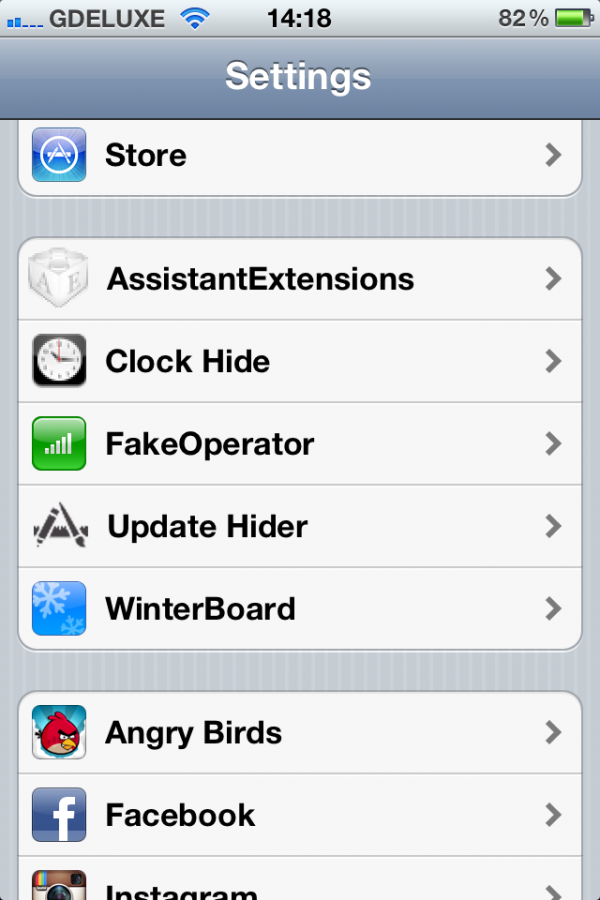
AssistantExtensions is a new tweak that lets you extend Siri’s functionality. It includes built-in support for additional commands including tweet, launch app, search YouTube, toggle switch, and more.
Using a plug in architecture developers can add custom functionality to Apple’s assistant.
Extensions can very easily react to recognized speech and present a text response. In addition to a simple text response, extensions can also create embedded Apple snippets like Clock, Weather, etc and can also create a brand new, custom snippets with custom graphics. For snippets, the extension loads its resources from a bundle or loads a nib which can be created in XCode’s InterfaceBuilder. No private frameworks are needed. There is no limit to what kind of extension you can develop.
AssistantExtensions includes a few built-in extensions including:
● System commands:
tweet ‘text_of_the_tweet’,
open ‘application_name’ or launch ‘app_name’,
brightness to ‘XX %’,
restart springboard,
generate a random number,
say ‘what_to_say>’,
should I ‘do something?’.
● Toggles: turn on ‘toggle_name’, list toggles or list switches to get a list of toggles and their states.
● Chat Bot: You can chat with Siri. To start, just say “Let’s chat” and wait a moment. Loading times will be improved a lot in future releases.
● YouTube – searches YouTube and shows results with thumbnails, example: “Search Jeremy Camp on YouTube”
How to install “AssistantExtensions”:

1) Launch “Cydia”
2) Click “Search”
3) Search “AssistantExtensions”
4) Click “Install” and “Confirm”
5) Done.
Example:
“Who is Bill Gates?”

Themes: